How to check in event attendees in YakMembers
At the door, open the event's check-in list and mark people as they arrive. Check-in keeps working if the boathouse Wi-Fi drops and syncs when the connection returns.
Before you start
- An administrator role in YakMembers, with two-factor authentication turned on
- A published event with registrations
Preview voice Narrated with a local preview voice; the final recording replaces it.
Transcript
Mark people as they arrive, straight from the event's attendee list.
Open the event from Events, and select Check-in. Everyone registered is listed with their ticket.
As each person arrives, select Check in next to their name. The row changes to Checked in, even if the connection drops for a while.
Steps
Open check-in ▶ 0:06
In Events, open the event and select Check-in.
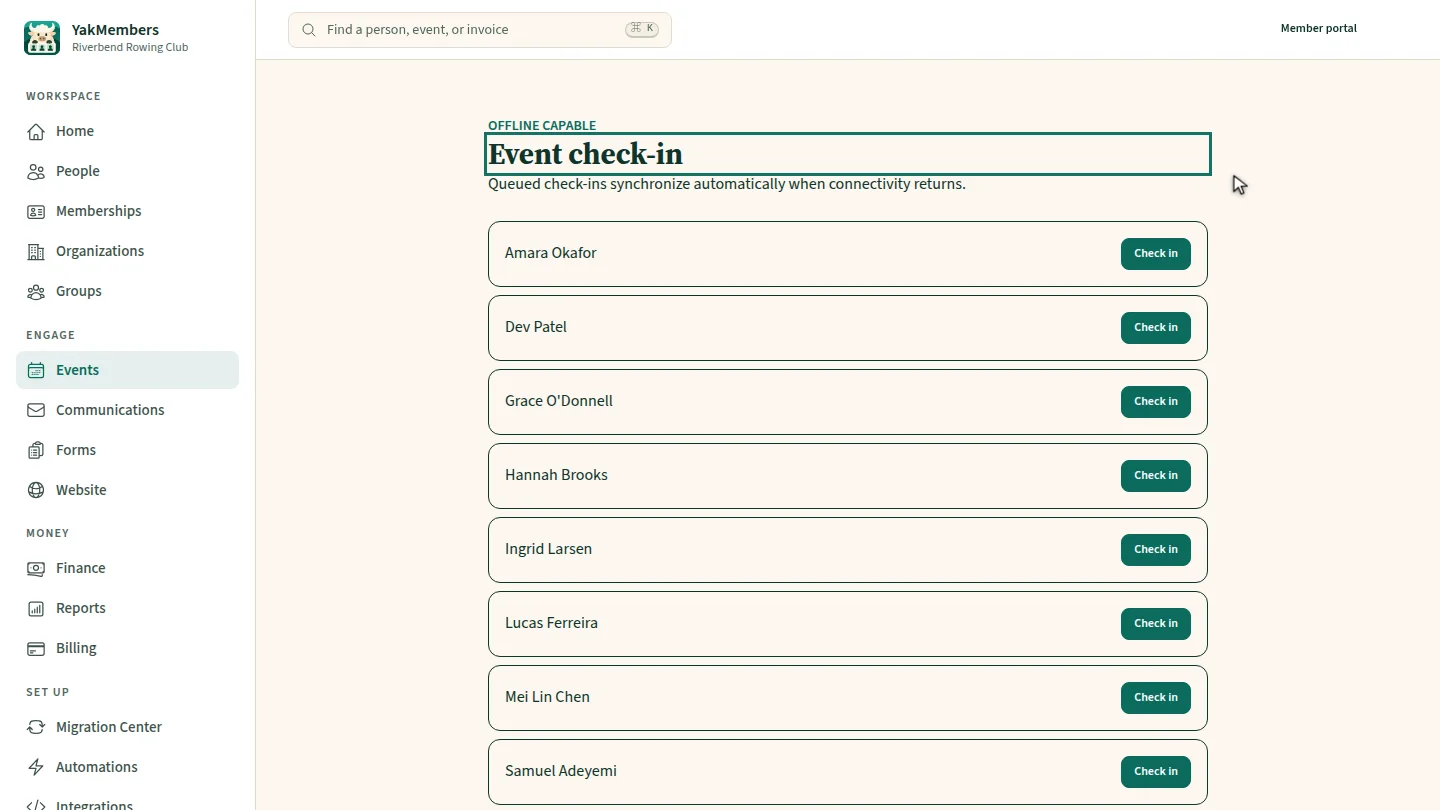
Check someone in ▶ 0:13
Select Check in next to the attendee. The row shows Checked in.
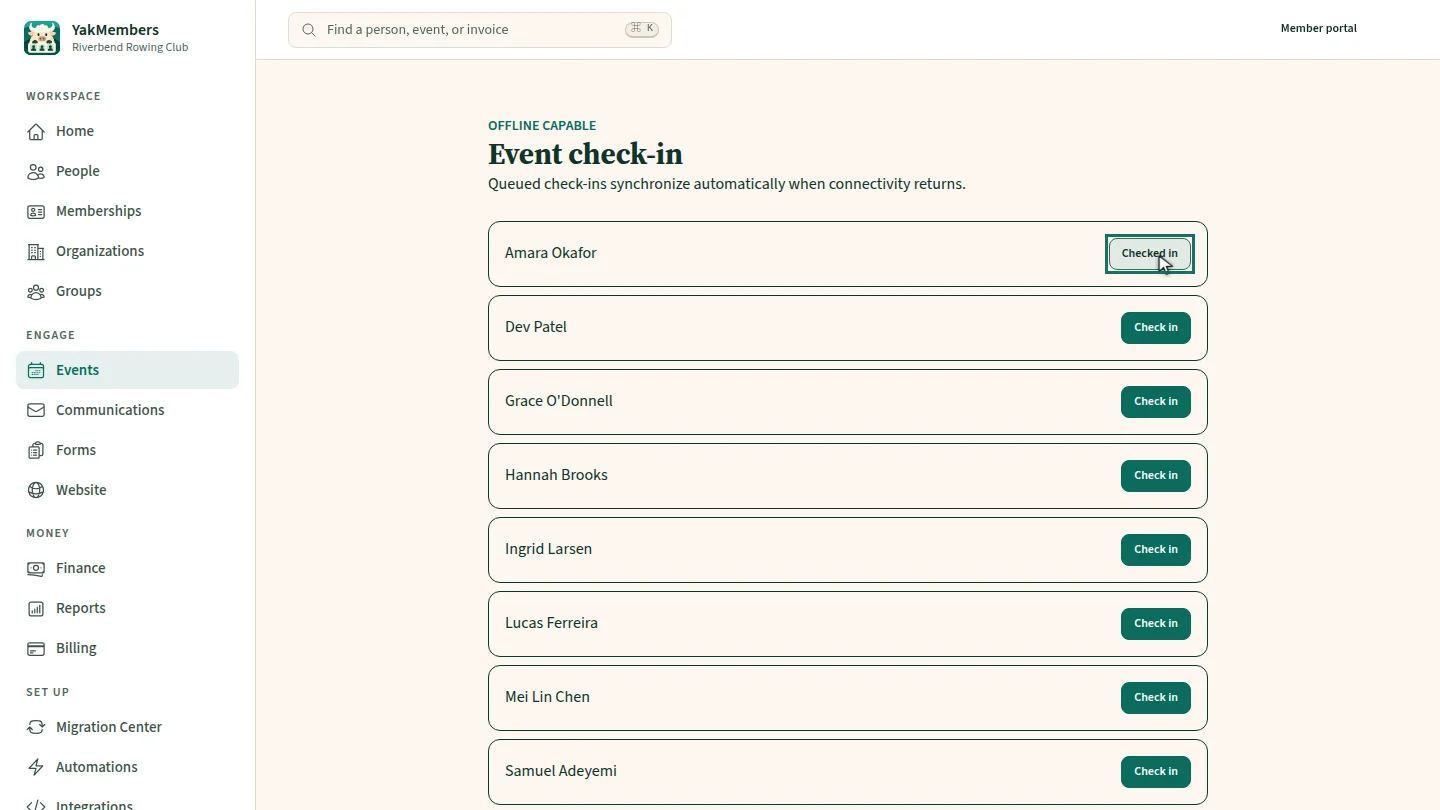
ResultThe attendee shows as Checked in.
Next steps
Updated 2026-11-02
event check-in attendance door list sign-in sheet