
How to create an API token in YakMembers
Connect a spreadsheet, a reporting tool or your own script to YakMembers. Give each token only the scopes it needs, such as reading people, so a leaked token can't change anything.
Before you start
- An administrator role in YakMembers, with two-factor authentication turned on
- A sign-in within the last 10 minutes (YakMembers asks for a recent two-factor sign-in before this action)
Preview voice Narrated with a local preview voice; the final recording replaces it.
Transcript
Give another tool read-only access to your member list.
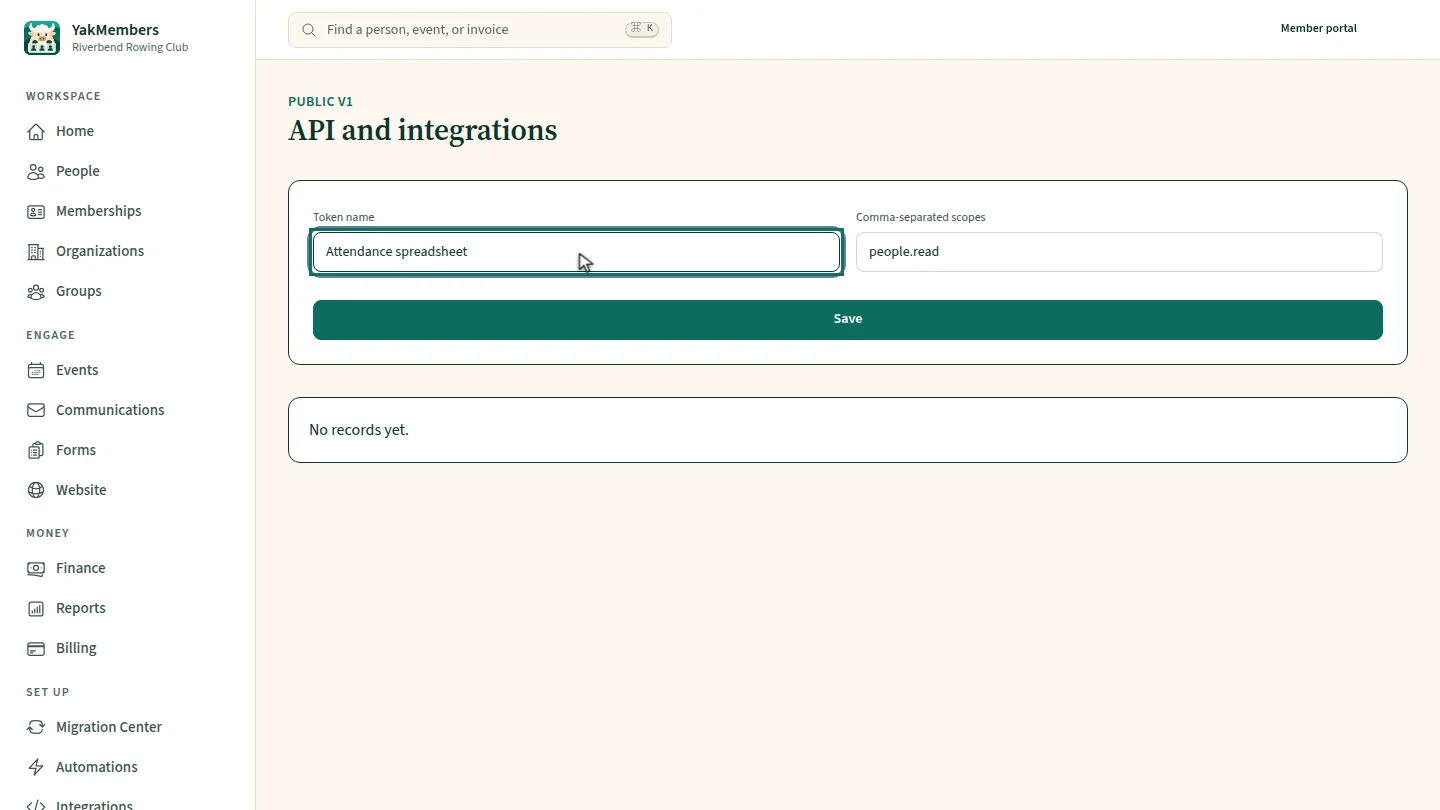
Name the token after the tool that will use it. The scope people dot read lets it read people, and nothing else.
Select Save. The token is listed, and its secret is shown once, so copy it into the tool right away.
Steps
Name it and set scopes ▶ 0:05
Enter a Token name and keep or edit Comma-separated scopes.
Save and copy the secret ▶ 0:13
Select Save. Copy the secret now; it isn't shown again.
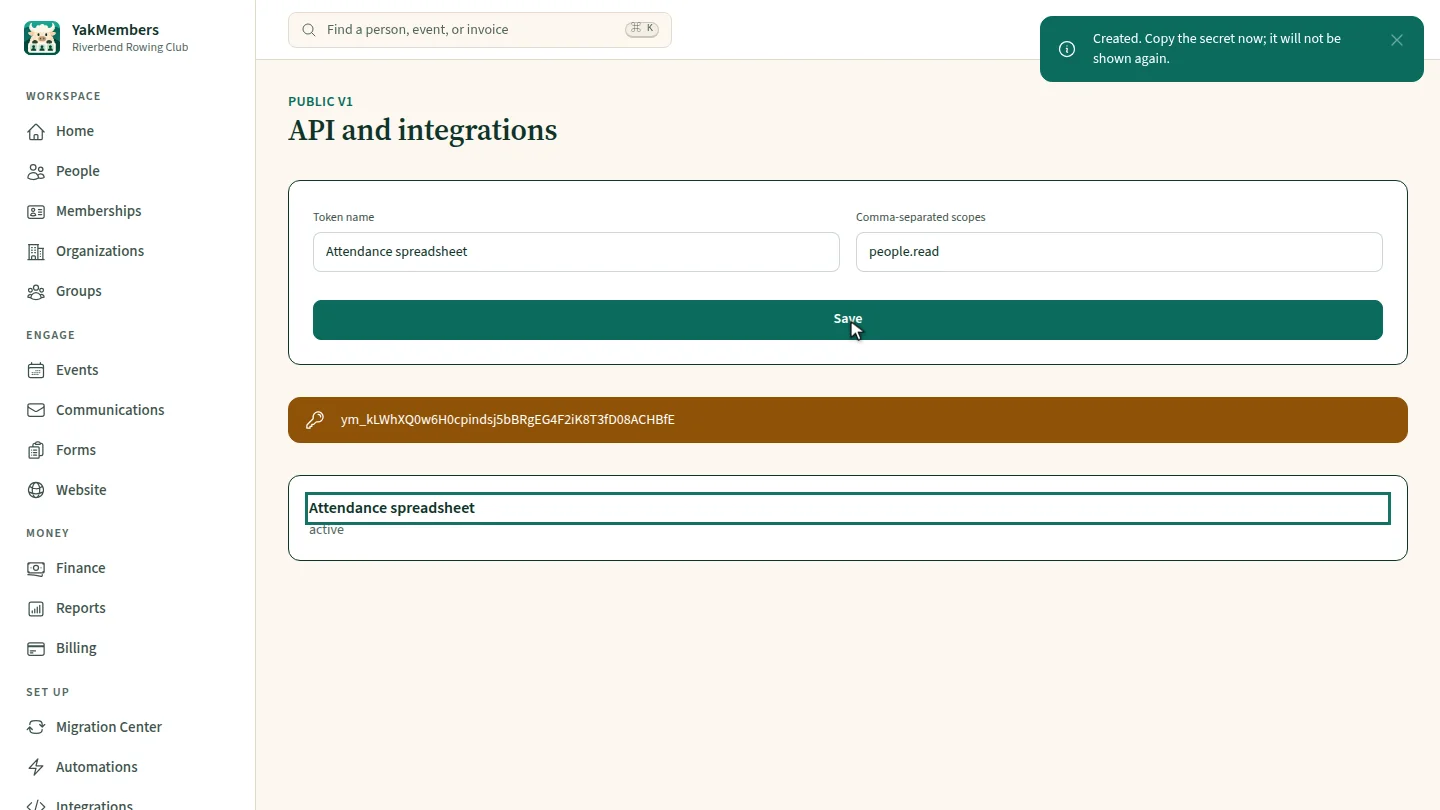
ResultThe token is listed under its name; its secret is shown once to copy into your tool.
Next steps
Updated 2026-11-02
api key rest api integration access token read-only token