
How to add a person in YakMembers
Everyone your club deals with, from members to volunteers and parents, starts as a person record. Add someone once and the same record carries their memberships, event registrations, invoices and history.
Before you start
- An administrator role in YakMembers, with two-factor authentication turned on
Preview voice Narrated with a local preview voice; the final recording replaces it.
Transcript
Give a new rower a record in YakMembers, ready for a membership and event sign-ups.
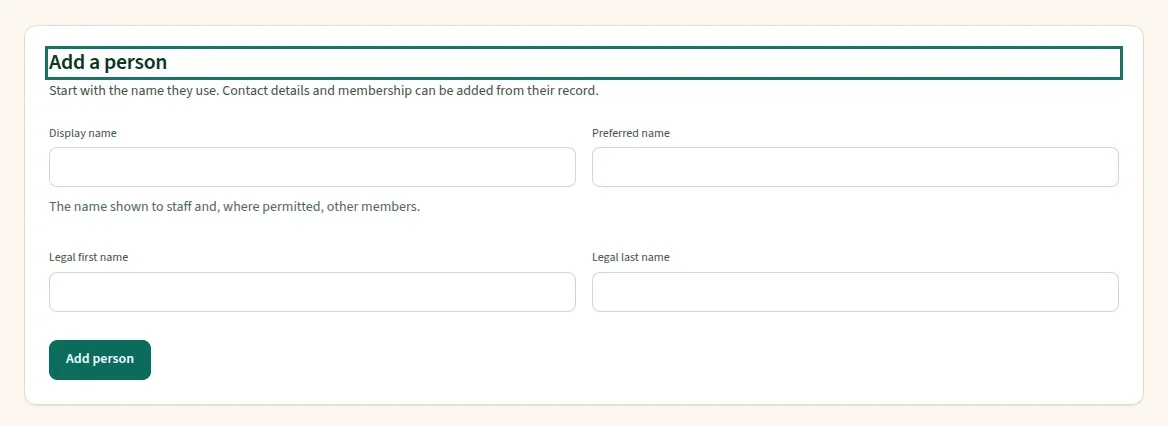
On People, select Add person. The page moves down to the Add a person form.
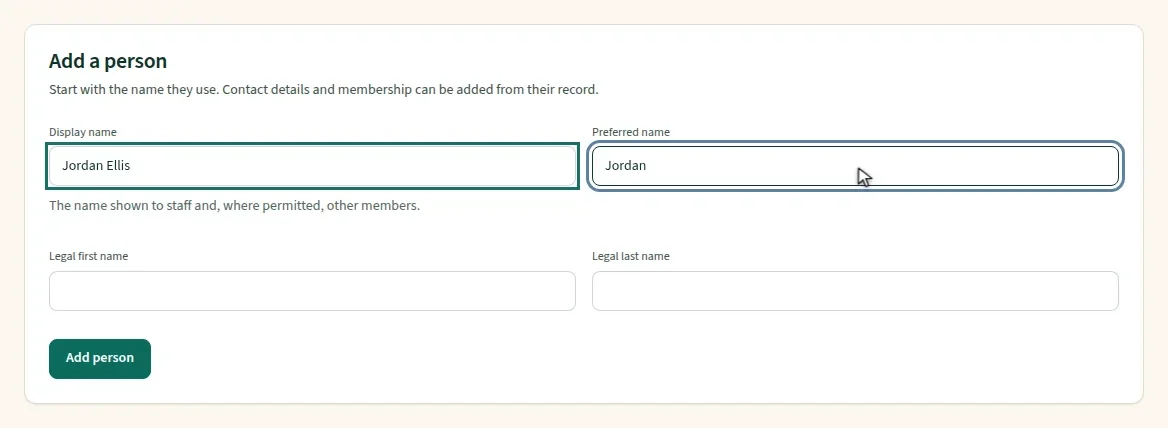
Enter the display name the club will use, and the preferred name for greetings. Legal names are optional.
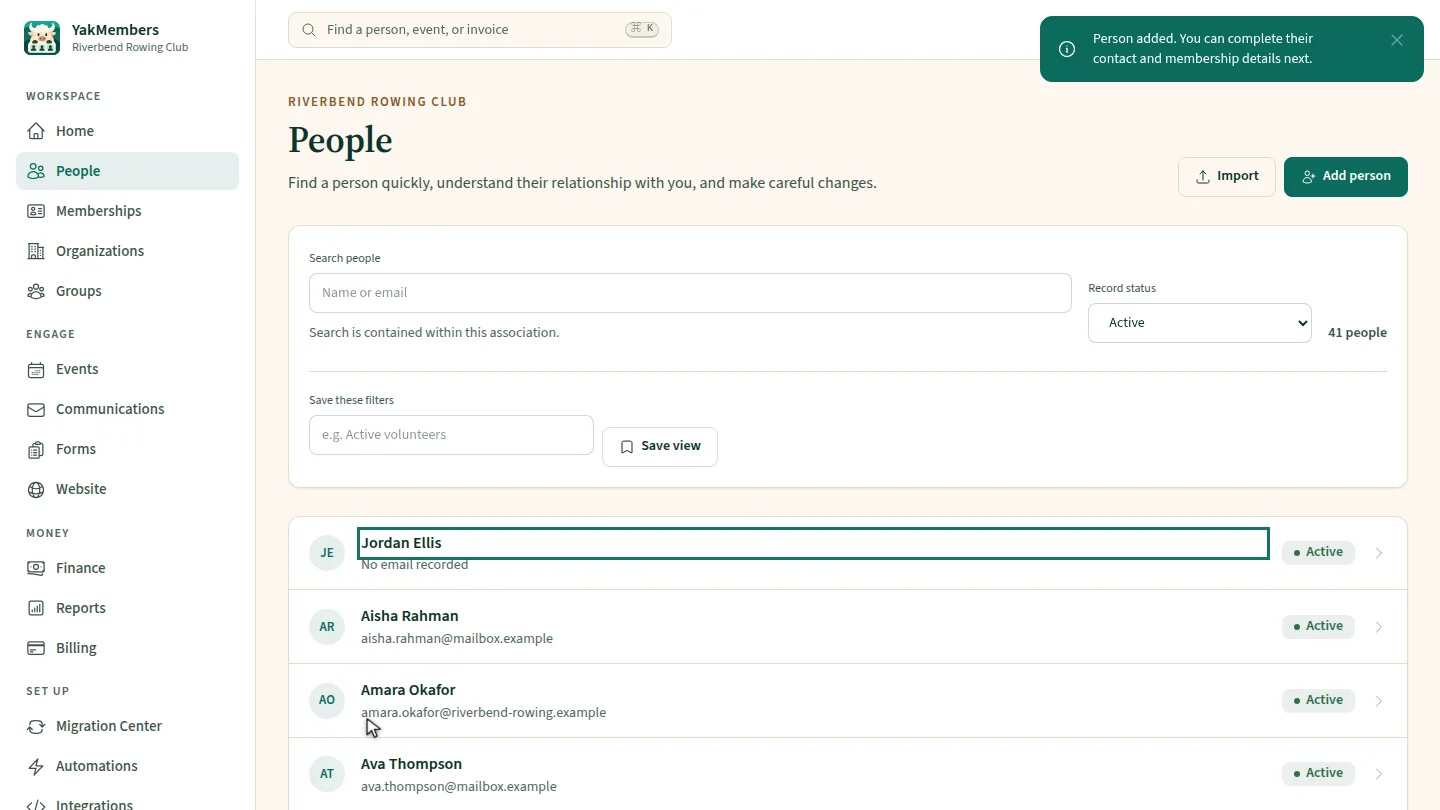
Select Add person. A confirmation appears, and Jordan Ellis joins the top of the list, marked Active. Open the record any time to see their memberships and activity.
Steps
Open the form ▶ 0:07
In People, select Add person.
Enter the names ▶ 0:13
Enter a Display name and, optionally, a Preferred name, Legal first name and Legal last name.
Save the person ▶ 0:20
Select Add person under the form. Person added. appears and the new record is listed as Active.
Next steps
Updated 2026-11-02
add member new contact constituent record member directory create person