How to update your profile in the YakMembers member portal
Members can keep their own details current in the portal. Preferred name, pronouns and language change straight away; changes to legal names or email go to the club for review.
Before you start
- A member portal account linked to your person record
Preview voice Narrated with a local preview voice; the final recording replaces it.
Transcript
Change how the club addresses you, from the member portal.
In the member portal, open Profile and update your preferred name or pronouns. Changes to your legal name or email go to the club for review instead.
Select Save profile. A confirmation appears, and the change takes effect straight away.
Steps
Edit your details ▶ 0:05
In the member portal, select Profile and edit Preferred name or Pronouns.
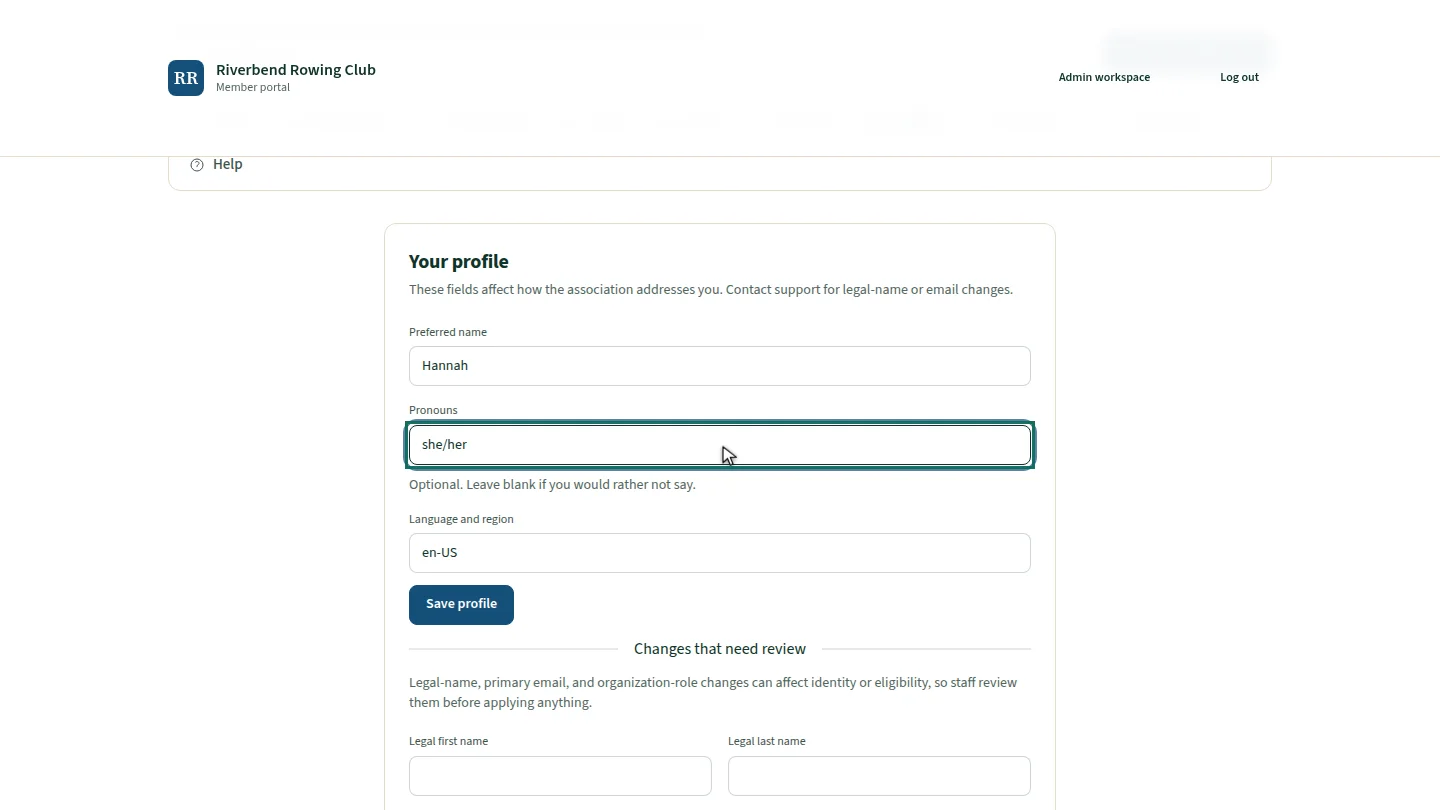
Save ▶ 0:16
Select Save profile. Your profile has been updated. appears.
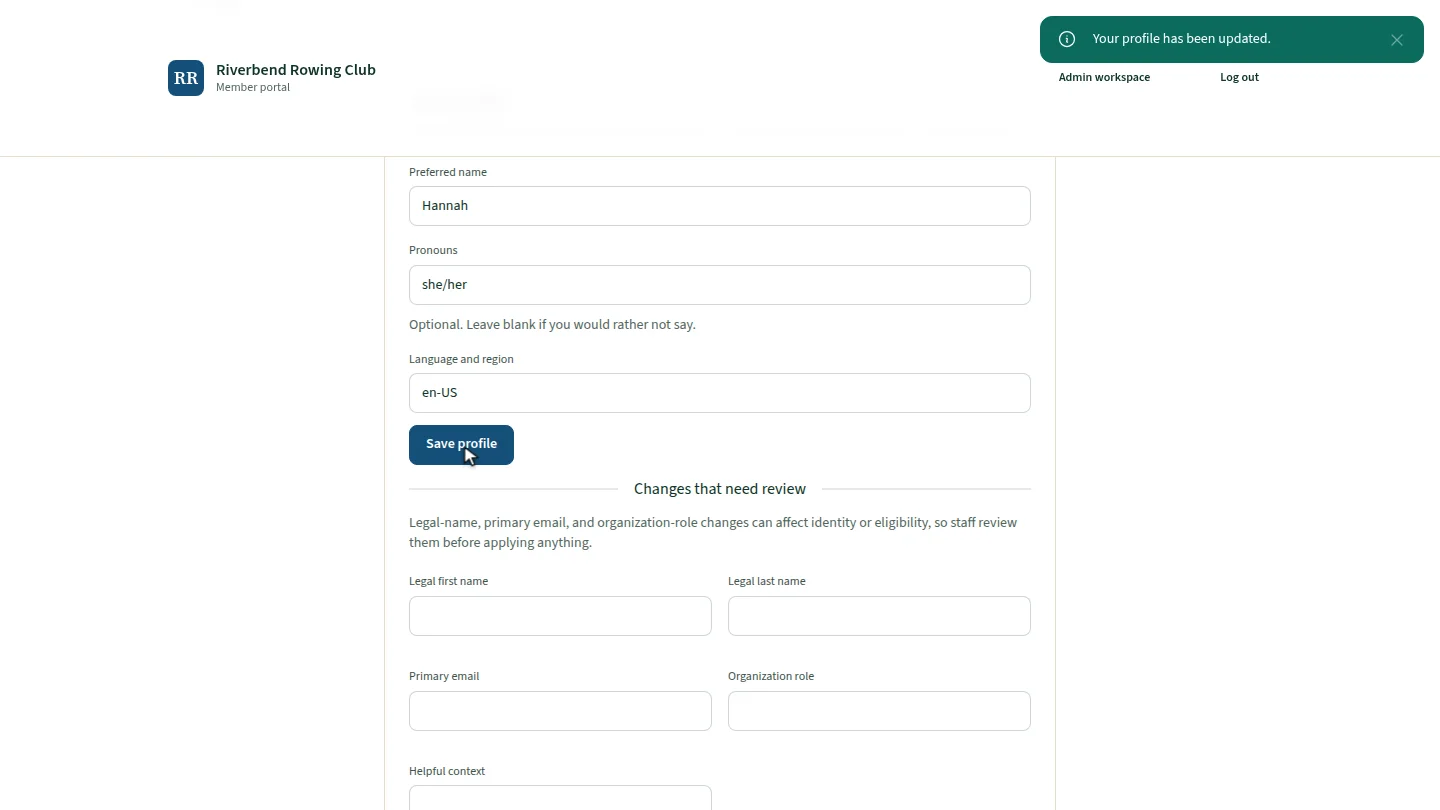
ResultYour profile has been updated. confirms the change.
Next steps
Updated 2026-11-02
member portal update details change name pronouns self-service