
How to create a full data export in YakMembers
Your club's data stays yours. A full export packages every record into an archive with a manifest and checksums, for your own backups or a move to another system.
Before you start
- An administrator role in YakMembers, with two-factor authentication turned on
- A sign-in within the last 10 minutes (YakMembers asks for a recent two-factor sign-in before this action)
Preview voice Narrated with a local preview voice; the final recording replaces it.
Transcript
Create a complete, checksummed copy of your club's data, for your own backups.
On Reports, select Create full data export. YakMembers packages every record with a manifest and checksums. A moment later, a message confirms it finished, with the archive's checksum.
Steps
Create the export ▶ 0:06
In Reports, select Create full data export. Export completed with checksum appears.
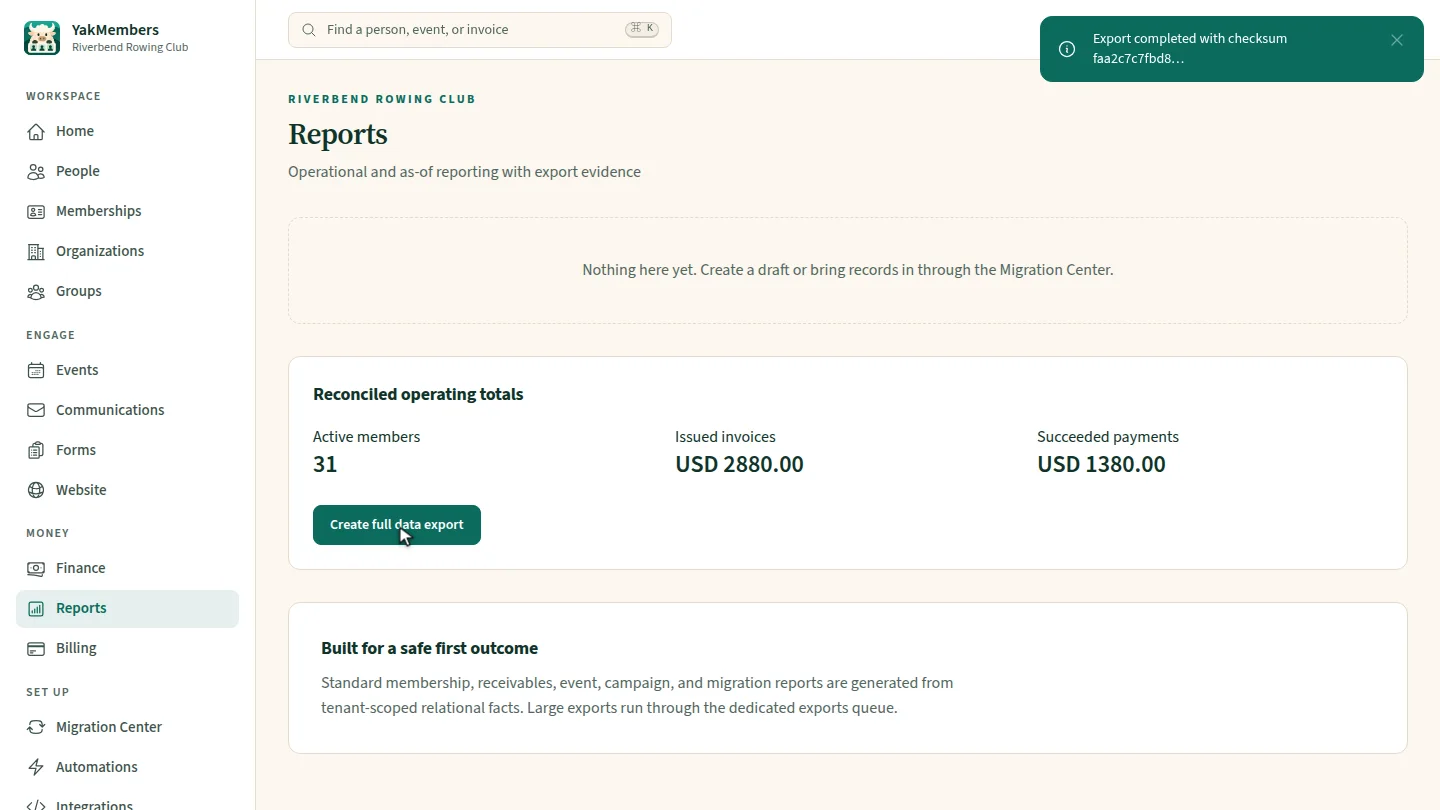
ResultExport completed with checksum confirms the archive was created.
Next steps
Updated 2026-11-02
export data backup download members data portability csv export